
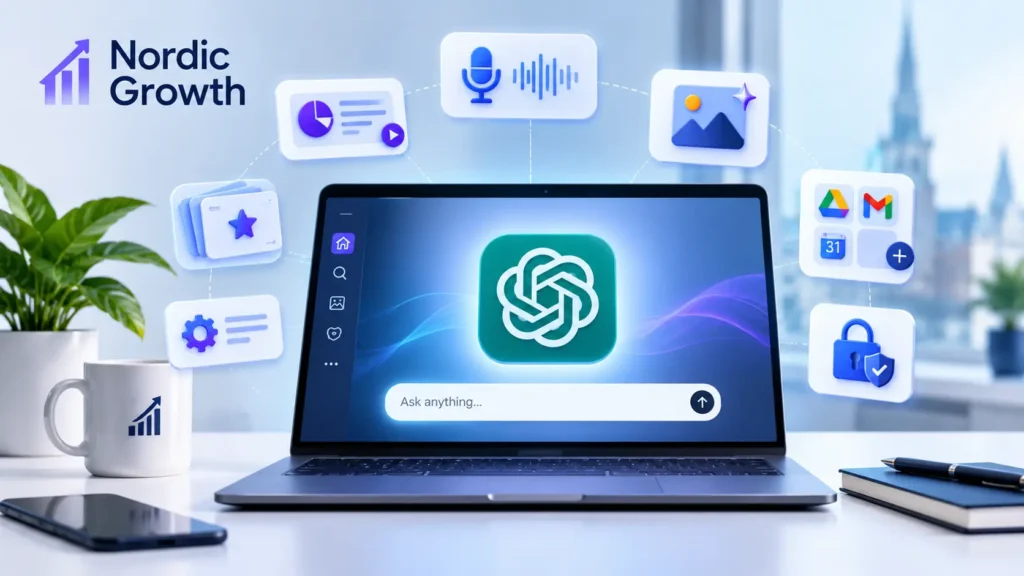
ChatGPT’s New Features You Need to Know About in 2026
Artificial intelligence is changing the way people work, communicate, create content, and manage everyday tasks. Among the many AI tools available today, ChatGPT continues to stand out by introducing new features that make it more useful for individuals, businesses, students, and professionals.
In 2026, OpenAI has introduced several exciting updates to ChatGPT. These updates go beyond simple text generation. Users can now create presentations, work with connected applications, generate images, manage tasks, and use AI to complete more complex projects.
Whether you are a business owner, digital marketer, content creator, developer, or student, understanding these new ChatGPT features can help you save time and improve productivity.
In this article, Nordic Growth explores some of the most important ChatGPT features you should know about in 2026 and how you can use them in your daily work.
1. ChatGPT Work – Complete Complex Tasks with AI
One of the most significant developments is ChatGPT Work.
Unlike traditional ChatGPT conversations, which mainly focus on answering questions and generating content, ChatGPT Work is designed to handle longer and more complicated tasks.
It can research information, analyze files, work with connected applications, and create finished documents, spreadsheets, presentations, and reports.
For example, imagine you need to prepare a marketing strategy for your business. Instead of asking multiple questions and manually organizing the answers, you can give ChatGPT Work the complete task.
It can help you:
- Research competitors and market opportunities.
- Analysis of business documents and data.
- Prepare professional reports.
- Create spreadsheets and presentations.
- Work with connected apps and files.
You can also follow its progress, provide additional instructions, and review important actions.
This feature can be particularly useful for business owners, marketing professionals, and teams managing multiple projects.
2. ChatGPT Slides – Create Professional Presentations
Creating presentations can take hours, especially when you need to organize information, design slides, and prepare charts.
ChatGPT Slides makes this process easier.
You can start with a simple idea, an outline, a conversation, or uploaded files. ChatGPT can then help turn that information into a structured presentation.
Some useful capabilities include:
- Generate presentation slides from written instructions.
- Edit text, images, shapes, and charts.
- Improve slide layouts and visual styles.
- Create custom images for presentations.
- Collaborate with team members in real time.
- Export presentations into supported formats.
For example, a digital marketing agency can use ChatGPT Slides to prepare a client proposal, monthly marketing report, or business presentation.
Instead of starting from a blank presentation, you can use AI to create the initial structure and then make your own adjustments.
3. Improved ChatGPT Image Generation
Visual content is essential for websites, social media, advertisements, and digital marketing campaigns.
OpenAI has continued improving ChatGPT’s image-generation capabilities with ChatGPT Images 2.5.
The updated experience offers sharper details, more precise editing, and faster image generation.
You can describe an image using natural language and ask ChatGPT to create something based on your requirements.
For example, you can request:
- Social media promotional graphics.
- Blog featured images.
- Product marketing visuals.
- Website illustrations.
- Advertising creatives.
- Custom images for presentations.
Another useful improvement is the ability to start from templates and edit generated images with additional instructions.
For small businesses and content creators, these improvements can make producing visual content easier without requiring advanced graphic design skills.
However, businesses should still review generated images before publishing them, particularly when using brand logos, product details, or promotional information.
4. ChatGPT Voice – Have More Natural Conversations
Typing is not always the most convenient way to interact with an AI assistant.
ChatGPT Voice makes it possible to communicate using spoken language.
The newer voice experience allows users to speak naturally, interrupt responses, and continue conversations without constantly typing messages.
You can use voice conversations to:
- Practice speaking another language.
- Brainstorm business ideas.
- Ask questions while working.
- Discuss complicated topics.
- Get help with everyday tasks.
Another important development is the ability to use connected plugins during voice interactions, allowing eligible users to get more work done through spoken instructions.
For people who spend a lot of time traveling or working away from their computers, voice interaction can be a convenient productivity tool.
5. Locked Chats – Better Privacy for Selected Conversations
Privacy is an important consideration when using AI tools.
ChatGPT has introduced Locked Chats, allowing users to keep selected conversations hidden from their regular chat history and search results.
You can protect these conversations using a four-digit account PIN or supported device authentication.
This is useful when you want to keep certain discussions separate from your everyday conversations.
For example, you might want to protect a conversation containing personal planning notes or sensitive business discussions.
To use this feature, open the conversation’s three-dot menu and select the Lock Chat option, if it is available on your account.
Remember that locking a chat does not change your data retention or model-improvement settings. It is a privacy convenience, not a replacement for reviewing your account’s data controls.
6. ChatGPT Flashcards – A Smarter Way to Learn
Students and professionals often need to remember large amounts of information.
ChatGPT’s interactive flashcard feature makes learning and revision more convenient.
You can ask ChatGPT to create flashcards about a particular topic or upload your study notes and turn them into practice cards.
The feature allows you to:
- Create flashcards from study materials.
- Flip cards to reveal answers.
- Mark questions you already understand.
- Practice difficult questions again.
- Shuffle cards for revision.
This can be helpful for students learning new subjects, professionals preparing for certifications, and anyone who wants to improve their knowledge.
Instead of repeatedly reading the same notes, you can use flashcards to test your understanding.
7. Connect ChatGPT with Other Applications
One of the most useful developments in ChatGPT is its growing ability to work with connected applications.
Depending on your account, region, and available integrations, you can connect services such as Gmail, Google Calendar, Google Drive, and other supported applications.
For example, connecting your email can help ChatGPT find relevant messages and summarize conversations.
Calendar integration can help you review your schedule and organize upcoming activities.
Other supported integrations can help you access business documents and information without repeatedly uploading files.
This can be particularly useful for freelancers, agencies, and business owners who work with multiple applications every day.
Always review the permissions you grant to connected applications and check important actions before approving them.
8. ChatGPT for Microsoft Word
Another useful update is the availability of ChatGPT for Microsoft Word.
With the ChatGPT add-in, you can use AI assistance directly inside your document workflow.
You can ask ChatGPT to:
- Create content from your notes.
- Summarize long documents.
- Rewrite selected paragraphs.
- Improve sentence structure.
- Adjust headings and formatting.
- Make documents easier to understand.
This is especially useful for professionals who regularly prepare business proposals, reports, articles, and other documents.
You do not always need to switch between different applications to get AI writing assistance.
9. Scheduled Tasks – Let ChatGPT Handle Recurring Work
Imagine having an assistant that reminds you about important tasks or checks for updates automatically.
Scheduled Tasks make this possible for supported ChatGPT accounts.
You can ask ChatGPT to perform certain tasks at specific times or on a recurring schedule.
Some practical examples include:
- Receive a daily news briefing.
- Get regular reminders about important work.
- Monitor selected topics for new information.
- Receive recurring research updates.
- Organize regular productivity tasks.
This feature can help reduce repetitive manual work and make everyday planning easier.
However, scheduled tasks have usage limits and availability depends on your subscription.
Why Should Businesses Pay Attention to These ChatGPT Updates?
AI is becoming an important part of modern business operations.
Companies are already exploring ways to use AI for content creation, customer support, research, reporting, and marketing.
The latest ChatGPT updates make these possibilities even more practical.
For example, digital marketing teams can use ChatGPT to research content topics, prepare campaign ideas, create promotional visuals, and organize reports.
Website developers can use AI to understand code, troubleshoot technical issues, and improve development workflows.
Business owners can use it to organize information, prepare presentations, and manage everyday tasks.
However, AI should support human decision-making rather than completely replace it. Important business information, technical work, and published content should always be reviewed for accuracy and quality.
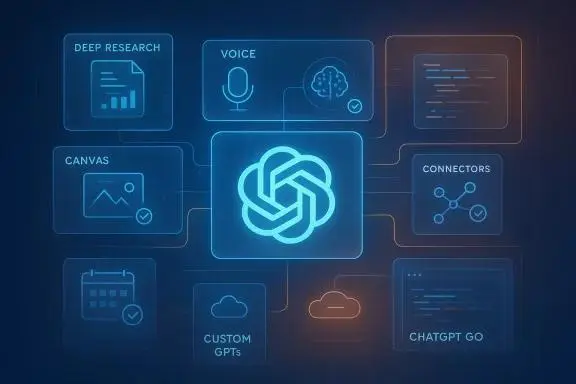
Final Thoughts
ChatGPT is no longer just a tool for answering questions or writing short paragraphs. Its growing range of features makes it a useful assistant for learning, business operations, content creation, research, and productivity.
From ChatGPT Work and Slides to improved image generation, voice conversations, Locked Chats, and Scheduled Tasks, these updates offer new ways to approach everyday challenges.
You do not need to use every feature immediately. Start with the tools that solve your biggest problems and gradually explore other capabilities as they become available.
At Nordic Growth, we believe that understanding and adopting useful digital technologies can help businesses work smarter, improve efficiency, and stay competitive in an increasingly digital world.
Which ChatGPT feature would you like to try first?
Stay connected with Nordic Growth for more updates, insights, and practical guides on AI, digital marketing, and business technology.